 JSON Press
Reports as a file, not a server.
Render PDF, DOCX, XLSX and CSV from a JSON template and your rows, in any language.
docker run --rm \
  -e JSONPRESS_API_KEYS=local:dev \
  -p 5000:5000 jsonpress:dev
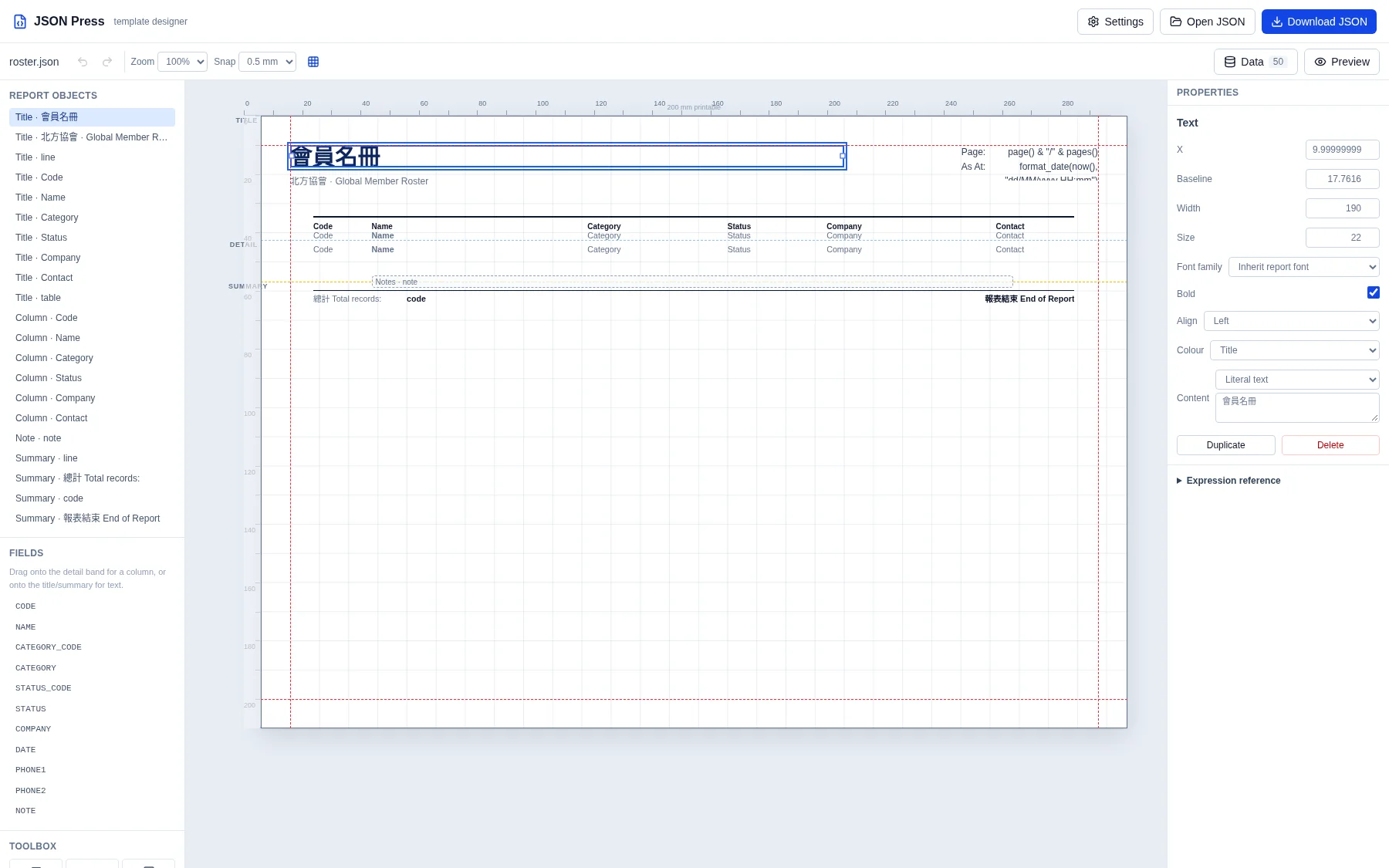
The page is the canvas.
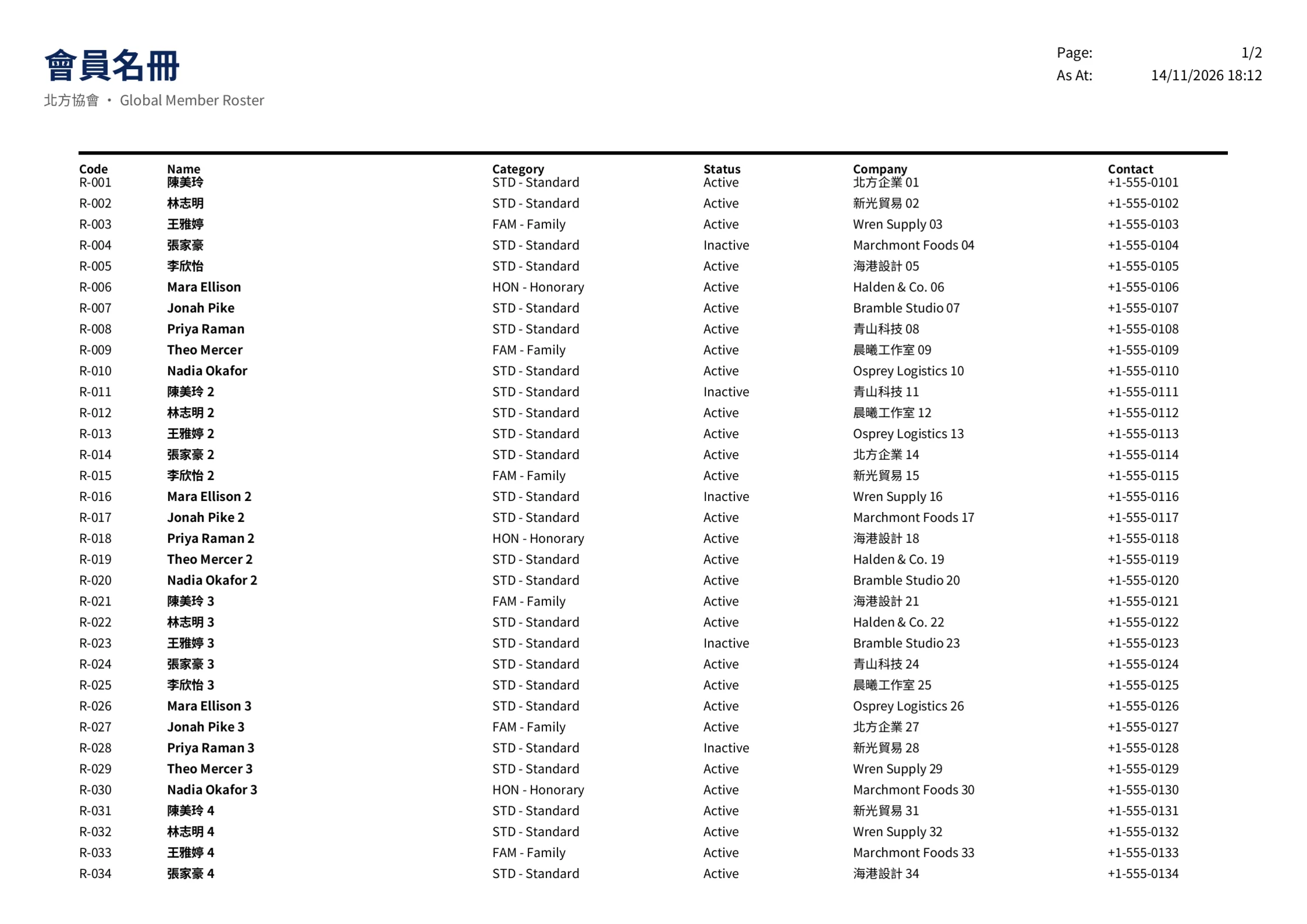
Edit bands, choose fonts for individual text and columns, and preview the PDF.
Run the designer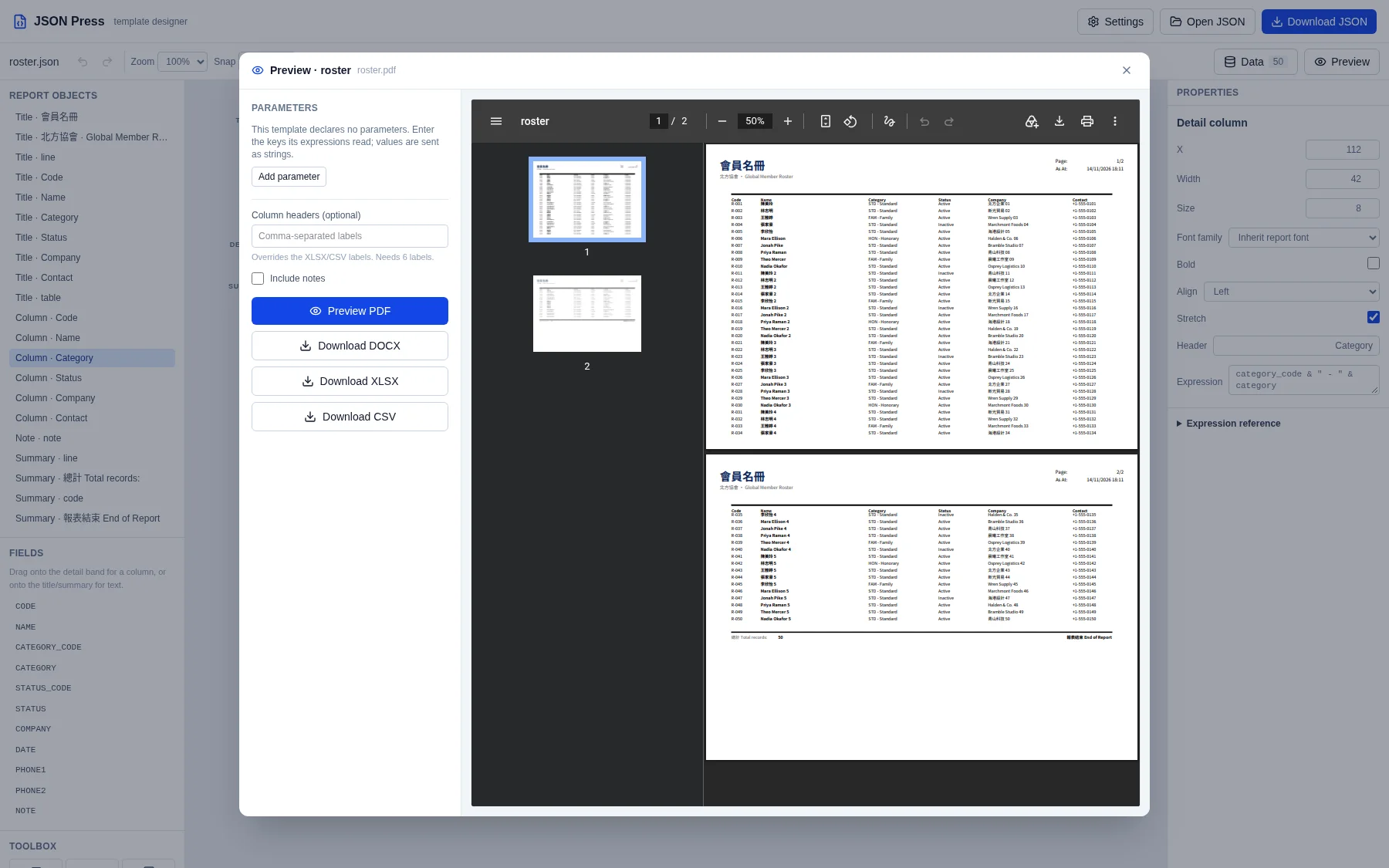
One template, four files.
Pick the output; the definition stays the same.
| Output | File | Content type |
|---|---|---|
invoice.pdf | application/pdf | |
| DOCX | invoice.docx | application/vnd.openxmlformats-officedocument.wordprocessingml.document |
| XLSX | invoice.xlsx | application/vnd.openxmlformats-officedocument.spreadsheetml.sheet |
| CSV | invoice.csv | text/csv; charset=utf-8 |
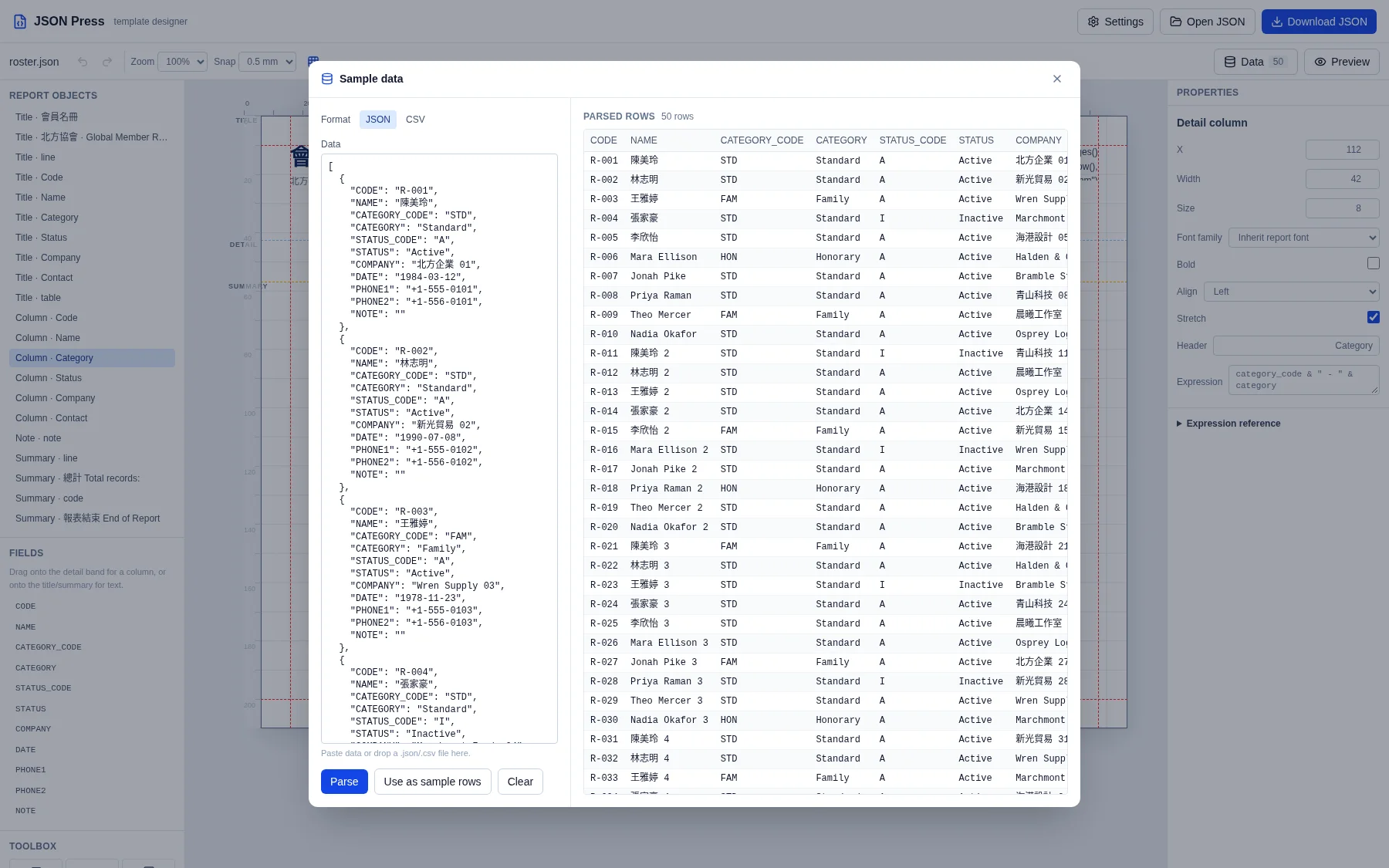
Bring the rows you already have.
No database, no dataset query, no credentials.
[
  { "CUSTOMER": "Halden & Co.", "AMOUNT": "1250.00" },
  { "CUSTOMER": "Wren Supply", "AMOUNT": "89.50" }
]- JSON rows
- One object per record.
- Case-insensitive fields
customerandCUSTOMERare the same field.- Loud failures
- An unknown field fails loudly.
Three ways in.
The same engine, three entry points.
| Way | Entry | What you get |
|---|---|---|
| HTTP | POST /v1/renders |
Bearer key in, file out. |
| Node | jsonpress |
In-process, with custom JavaScript. |
| Rust | jsonpress-core |
Linked into your service, no HTTP hop. |
-
Build
docker build -t jsonpress:dev . -
Run
docker run --rm -e JSONPRESS_API_KEYS=local:dev -p 5000:5000 jsonpress:dev - Open localhost:5000